How do you use an EV charge card at a public charge point?
An EV charge card lets you start and stop charging sessions at compatible public charge points without paying separately each time. This guide explains how to use one, how roaming and billing work, and what to do if a charge point does not accept your card.
08 September 2026
At a glance
To use an EV charge card, connect your car to a compatible public charge point, hold the card against the RFID reader, and wait for the session to start. When you have finished charging, present the same card again to stop the session; the costs are then added to your account and usually invoiced afterwards.
What is an EV charge card, and how does it work?
An EV charge card is a physical RFID card or key tag that identifies you at a public charge point and authorises your charging session. When you hold it against the reader, the charge point sends the card’s unique identifier to a back-office system, which checks whether the card is active and accepted at that location.
If the request is approved, the charge point unlocks the connector or starts supplying energy. This normally takes only a few seconds. You do not need to enter your bank card details at the charge point because your MSP records the session and handles the payment through your account.
How do you start a public charging session with a charge card?
You start a public charging session by finding a compatible charge point, connecting your vehicle, and presenting your card to the reader. The precise order can vary slightly between charge point models, so always follow the instructions on the charger’s screen or label.
First, use your provider’s app to check whether the charge point is available, which connector it offers, how fast it can charge, and what tariff applies. E-Flux drivers can use the E-Flux charge point map to find a suitable location and compare available charging options.
Next, park in the charging bay and connect the cable. At an AC charge point, you may need to use your own cable and connect it to both the car and the charge point. Most DC fast chargers have a fixed cable that connects directly to the vehicle. Then, hold your EV charging card or key tag flat against the RFID reader. The reader is usually marked with a card or contactless symbol. Wait until the light, screen, or sound signal confirms that the card has been accepted and charging has started.
How do you know whether your car is charging?
You can confirm that your car is charging by checking the charge point display, your vehicle’s dashboard, or your provider’s app. The charge point will usually show a green status light or a message confirming that the session is active.
The E-Flux app for EV drivers can show information such as the session status, energy delivered, elapsed time, and charging costs. The information available may differ by charge point and operator. If the session does not begin, check that the cable is fully inserted, wait a few seconds, and present the card again. If the charge point displays an error, check its status in the app or try another connector or nearby charger.
How do you stop a charging session and disconnect your car?
You usually stop a charging session by presenting the same card to the reader again and waiting for the charge point to release the cable. Some providers also allow you to stop the session through their app.
Once the charger confirms that the session has ended, disconnect the cable as instructed by the charge point or your vehicle. If you used your own cable, remove it from the charge point and your car, and store it securely. If the charger has a fixed cable, return it to its holder.
Do not pull on a locked connector. If the cable remains locked after the session has ended, unlock the vehicle, wait briefly, and try again. Your vehicle manual or the support number shown on the charge point can provide model-specific help.
What happens behind the scenes during a charging session?
Behind the scenes, several systems exchange identification, session, tariff, and energy data so that the charge point can authorise your card and calculate the correct cost. The charge point normally communicates with its operator’s management platform using the Open Charge Point Protocol, or OCPP.
When you use a card issued by a different provider from the CPO, roaming connections allow the parties to exchange the information needed to authorise and bill the session. OCPI is one protocol used for this exchange, although roaming can also be arranged through other protocols, hubs, or direct connections.
After the session ends, the charge point sends a record containing information such as the location, start and end times, and energy consumed. Your MSP then uses this data and the applicable tariff to add the session to your charging history and invoice.
Can you use one EV charging card across different networks and countries?
Yes, one EV charging card can work across different charging networks and European countries when those networks have a roaming agreement with your card provider. Roaming removes the need to open a separate account with every CPO you encounter.
The E-Flux charge card provides access to 1.5 million charging points across Europe, including the UK. However, no charge card is guaranteed to work at every charger, so check compatibility and current availability in the app before travelling, particularly on cross-border journeys.
For longer trips, identify at least one alternative charging location along your route. This reduces the risk of delays if your preferred charger is occupied, offline, or temporarily inaccessible.
How are public charging tariffs and payments calculated?
The cost of public charging is calculated using the tariff set for that charge point and any fees included in your chosen charge card plan. A tariff may contain a price per kilowatt-hour, a starting fee, a time-based charge, an idle fee, or a combination of these elements.
Prices can differ by CPO, location, connector, charging speed, and time of day. Always check the tariff in your app before starting the session. An idle fee may apply if the car remains connected after charging has finished, so move your vehicle promptly when the charge point or app tells you the session is complete.
With a charge card, you generally do not pay at the charger itself. Your mobility service provider collects your sessions and invoices them afterwards. E-Flux customers receive one monthly invoice per user for their charging costs, which makes it easier to review sessions across different networks.
Which E-Flux charge card plan suits your charging behaviour?
The most suitable E-Flux charge card plan depends mainly on how often you use public charge points. The Comfort plan has a monthly subscription and is intended for frequent users, while the Flex plan has no monthly subscription and charges fees per session.
Current prices, session fees, and roaming surcharges can change, so compare the options on the E-Flux charge card pricing page before ordering. Looking at your typical number of monthly charging sessions will help you decide which plan is likely to be more cost-effective.
What should you do if a public charge point does not recognise your card?
If a public charge point does not recognise your card, first check whether the card is active and whether that charge point is included in your provider’s network. The provider’s app should show compatible locations and may also show whether the charger is currently online.
Hold the card flat against the RFID reader for several seconds, without a wallet, phone, or other cards between the card and the reader. If it is still rejected, disconnect and reconnect the cable where safe to do so, then follow the sequence shown on the charger.
If another connector is available, you can try that one. Otherwise, use an alternative payment method or move to a nearby charge point. For account, card, or billing problems, contact your MSP; for a damaged or unresponsive charger, use the CPO's details displayed on the charge point.
Why might a charging session stop unexpectedly?
A charging session may stop unexpectedly because of a loose connection, a charger fault, a temporary communication problem, or a limit set by the vehicle or charge point. The vehicle may also reduce or pause charging to protect its battery, particularly when the battery is nearly full or its temperature is outside the ideal range.
Check that the cable is secure and review any error shown by the charger or vehicle. If it is safe to do so, end the session fully and start again. When the problem continues, record the charge point ID, location, time, and error message before contacting support.
What should you do if a session or charge appears incorrect?
If a session is missing or the amount appears incorrect, first compare the invoice or charging history with the tariff shown for that location. Roaming sessions can take longer to appear because the CPO must send the final session data to your MSP.
If the information still appears wrong, contact your provider with the charge point ID, session date and time, approximate energy use, and any receipt or screenshot you have. These details help the support team trace the transaction and check the tariff calculation.
Does the same charge card work at AC and DC charge points?
Yes, the same EV charging card can be used at compatible AC and DC charge points. The card’s role is to identify and authorise you, so the authentication process is broadly the same regardless of the charging speed.
AC charging is commonly available in residential streets, car parks, workplaces, and shopping areas, and is generally suited to longer stops. DC charging supplies energy directly to the battery at a higher power and is commonly used for faster stops along motorways and major routes.
The maximum power shown on a charger is not a guaranteed charging speed. The rate your car actually receives depends on factors including the vehicle’s charging limit, battery level, battery temperature, charger capacity, and whether the available power is shared with another vehicle.
Can you charge without an EV charging card?
Yes, many public charge points offer an ad hoc payment option that does not require an EV charging card or subscription. Depending on the charge point, you may be able to scan a QR code, use a contactless bank card, open an app, or use Plug & Charge.
With Scan to Pay, a QR code directs you to a payment page where you select the connector and pay online. Always check that the web address is legitimate and associated with the CPO before entering payment details.
With Tap to Pay, you present a contactless debit or credit card to a payment terminal. EU rules require ad hoc electronic payment at publicly accessible charge points, with specific payment-card requirements applying according to the charger’s deployment date and power output. The available method can therefore differ between locations. Plug & Charge can identify a compatible vehicle automatically after it is connected, without requiring you to present a card. Both the vehicle and charge point must support the relevant ISO 15118 functionality, and a compatible charging contract must be configured.
A charge card remains useful for drivers who want broad roaming access, one account, and consolidated billing. Ad hoc payment is a practical alternative when you charge infrequently or encounter a charger outside your card provider’s network.
How can you make public charging easier?
You can make public charging easier by checking the location, availability, connector, charging speed, and price before you travel. Keeping both your charge card and provider app ready also gives you a backup if one authentication method does not work.
For highway journeys, plan your main stop and at least one alternative, and arrive with enough battery to reach the backup charger. At a rapid charger, continuing far beyond 80% can take disproportionately longer because many vehicles reduce their charging speed as the battery fills.
Finally, check whether an idle fee applies and move your car when charging has finished. This avoids unnecessary costs and makes the charge point available to the next driver.
How does E-Flux by Road simplify public charging?
E-Flux by Road simplifies public charging by combining broad European network access, tariff information, session tracking, and monthly billing in one charge card and app. Drivers can use the app to find compatible charging points, compare prices, check availability, and review completed sessions. The app also supports Apple CarPlay and Android Auto, making it easier to find charging points from the car’s infotainment screen. With access to 1.5 million charging points across Europe, the E-Flux charge card is designed to reduce the need for separate cards, apps, and accounts when travelling.
Ready to charge across Europe with one card and app? Compare the E-Flux charge card options.

03 December 2025
Tap to pay vs. scan to pay: why CPOs need both to stay AFIR-ready
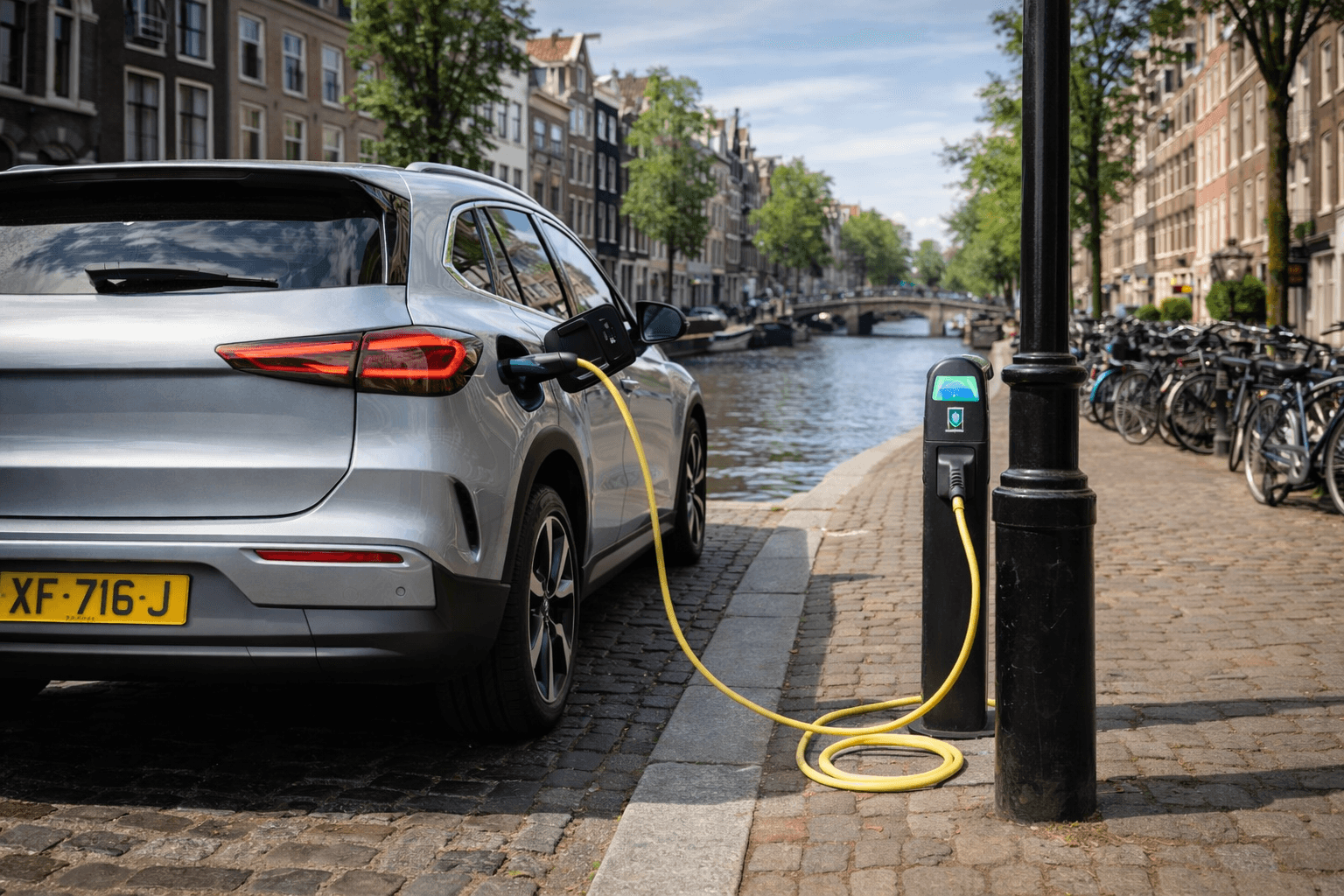
Imagine pulling up to an EV charger after a long drive. You just want to plug in, pay, and get going - no apps, no accounts, no hassle. Whether you tap your card or scan a QR code, the experience feels simple. But for CPOs, delivering that experience requires navigating regulations, hardware choices, and backend integrations.
09 February 2026
Blocking fee explained: extra costs without a full battery
Recently, Radar (AVROTROS) published an article about motorists who had to pay high costs at public charging stations while their electric car was not yet fully charged. The article made it clear that two developments — grid-aware charging and the use of time-based and blocking fees — can together lead to unexpected costs. In this blog, we explain how these costs arise, what the differences are between the various tariffs, and how surprises for EV drivers can be prevented.
13 January 2026
EV charging pricing explained: your most common questions answered
Prices and invoices related to EV charging can feel a bit confusing at times, and plenty of people have questions about how prices are calculated. With different operators, networks, and card providers involved, it’s important to understand how everything fits together so you don’t end up surprised by your invoice. This Q&A breaks things down in a clear, simple way.